
How to link to any content within your own app and community?
Learn how to link external content like articles or social posts to your app, customise the teaser style and publish it in a few steps.
In this article, you will learn how to link external content, such as articles or social media posts from other platforms, to your app and community.
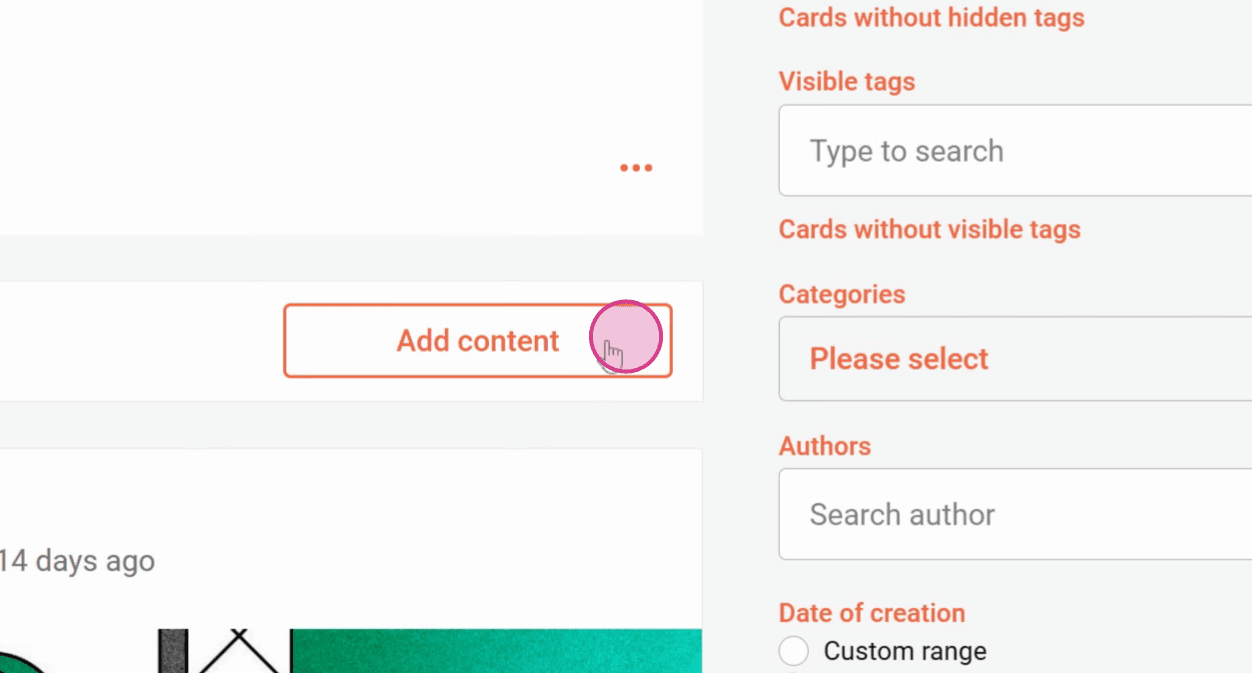
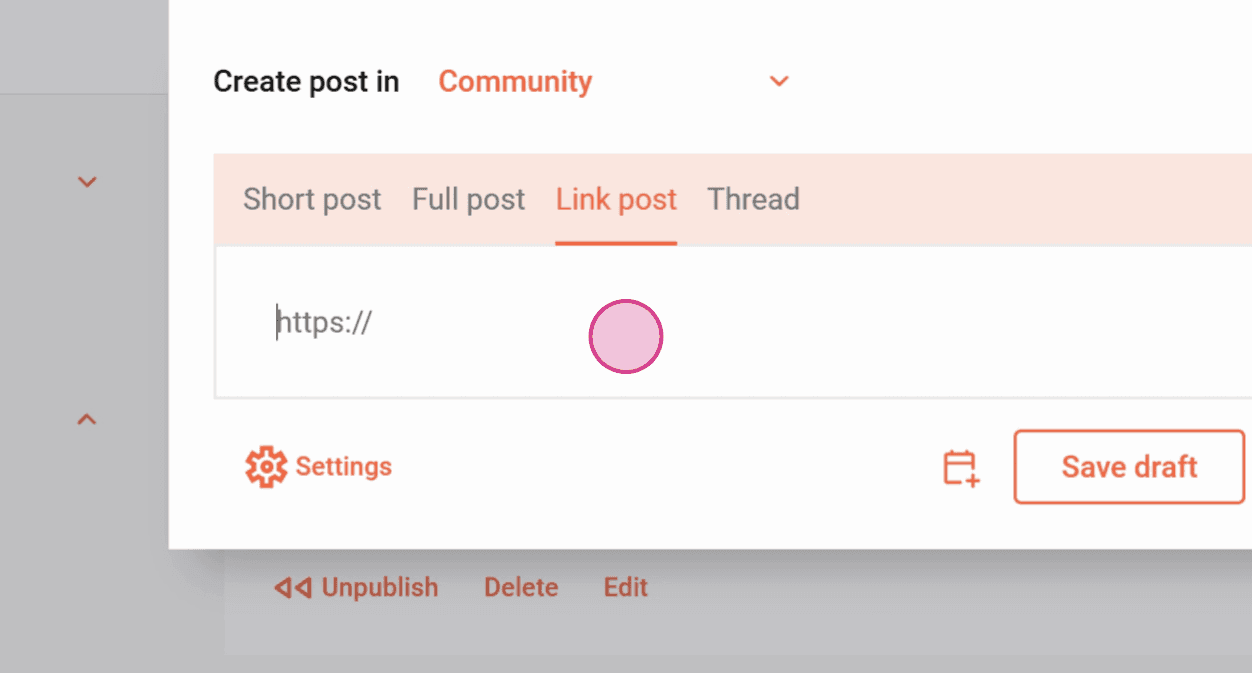
Step 1: Click on Add content and then on Link post.
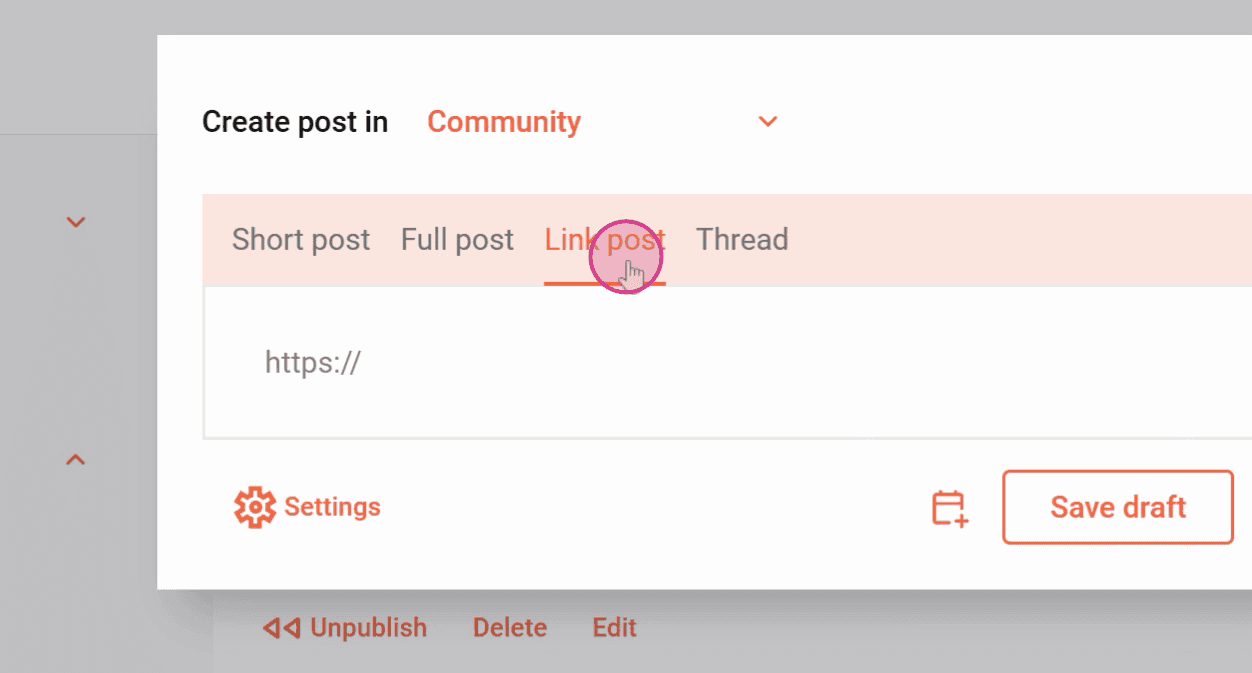
Step 2: Paste a link.
This can be a link to an article or a social media post from another platform.
The major platforms are automatically recognized and a dedicated card type is created.
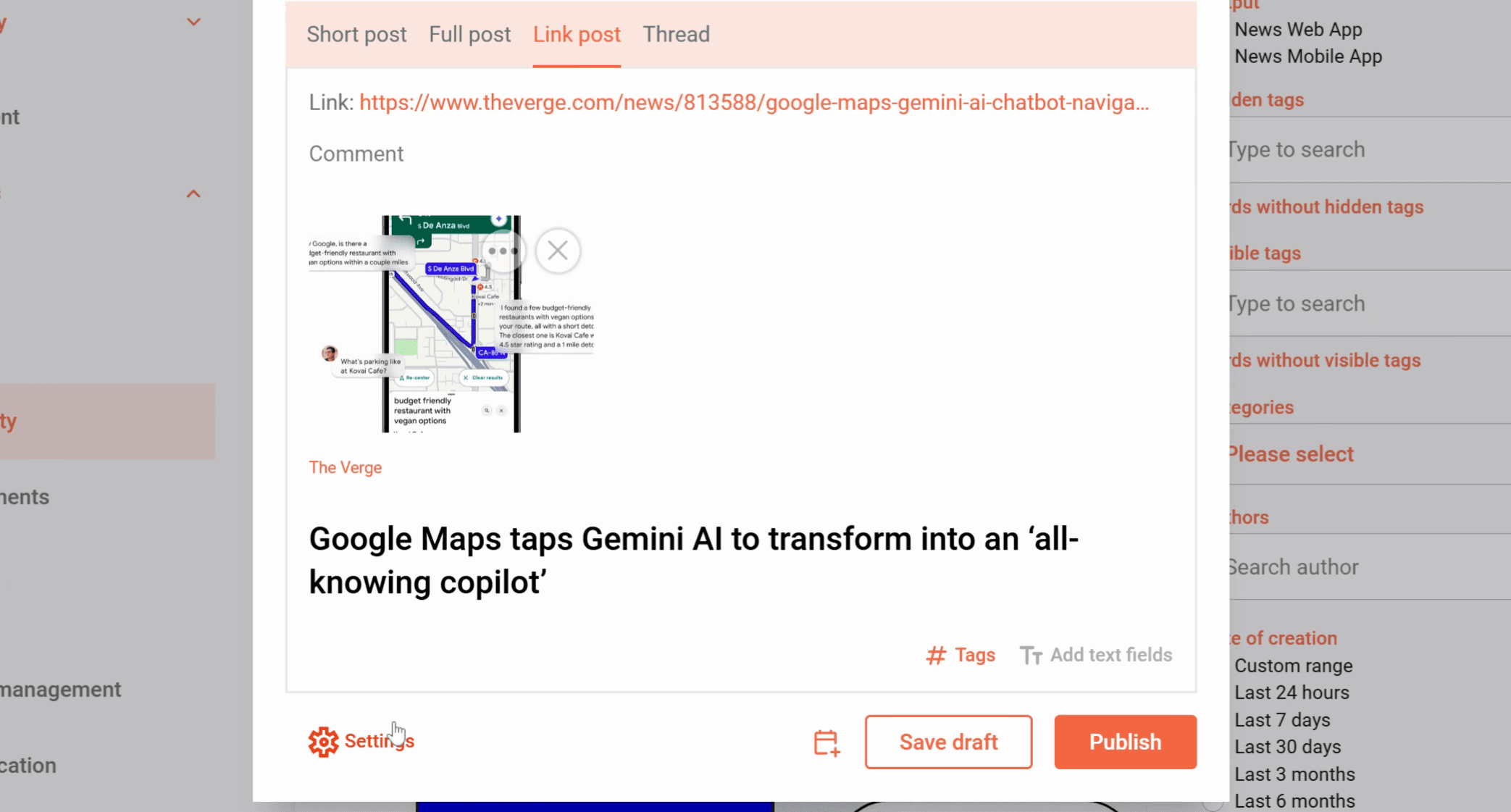
The fields will automatically be recognized and filled in.
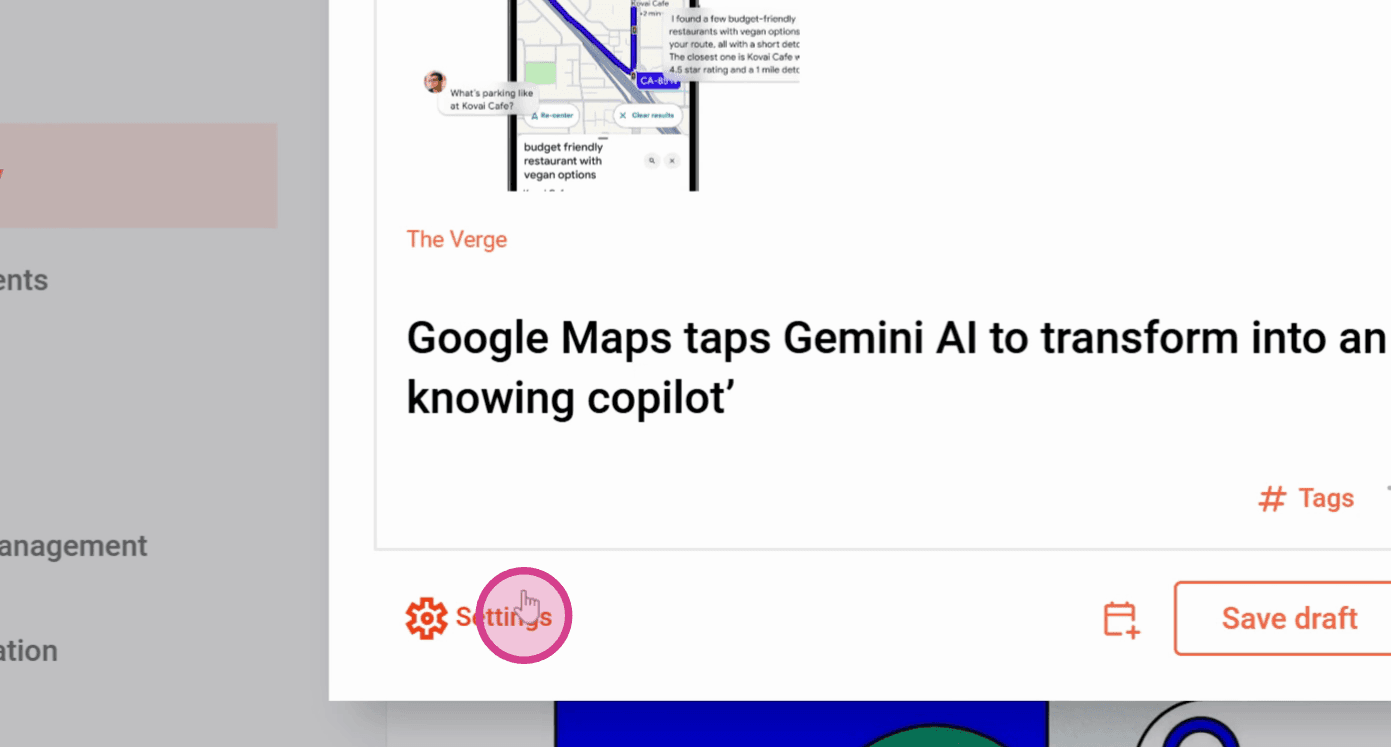
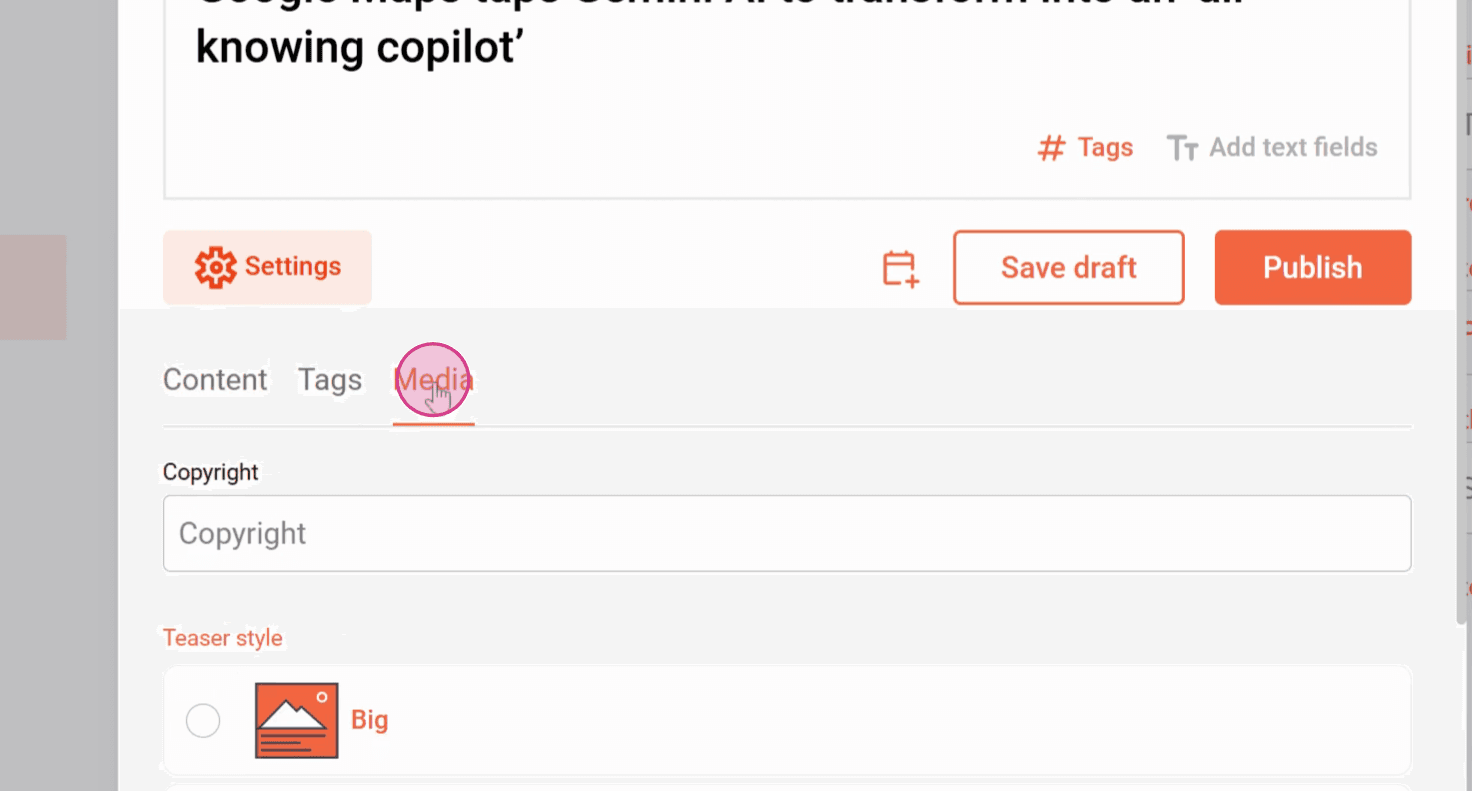
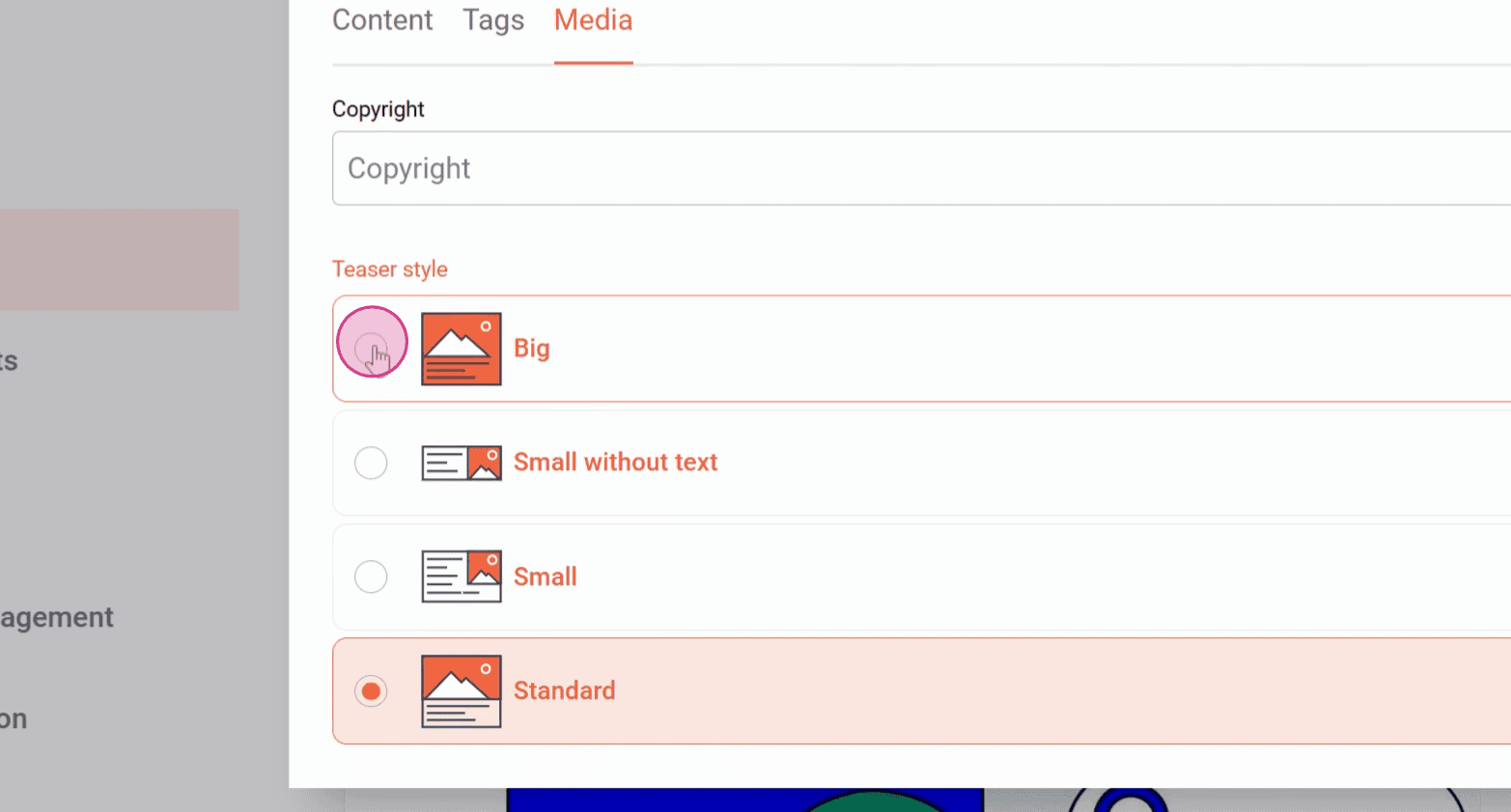
Step 3: Under Settings and Media, you can change the teaser style of the article.
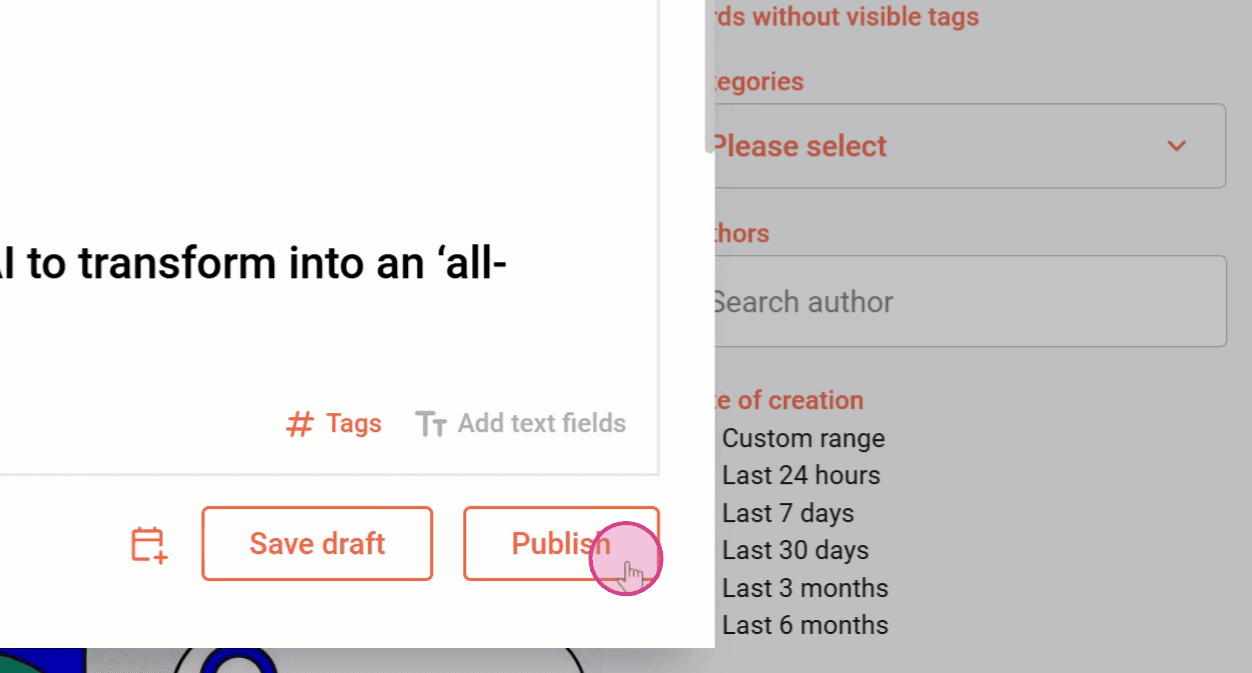
Step 4: Click Publish.
Now you know how to link external content.
Related articles