

How to tag content?
Learn how to tag content, use visible and hidden tags, and structure your community using predefined tags.
In this article, you will learn how to tag content.
Tags are a useful tool for structuring your community.
You can manage tags in the Org. Dashboard under Settings.
Step 1: When creating a post, go to Settings and then click on Tags.

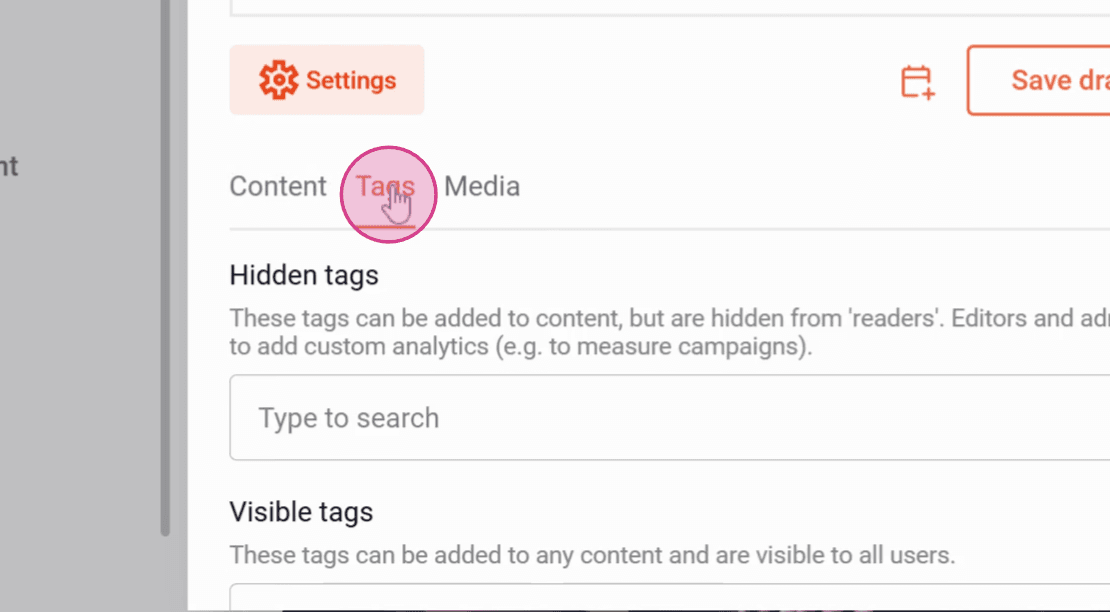
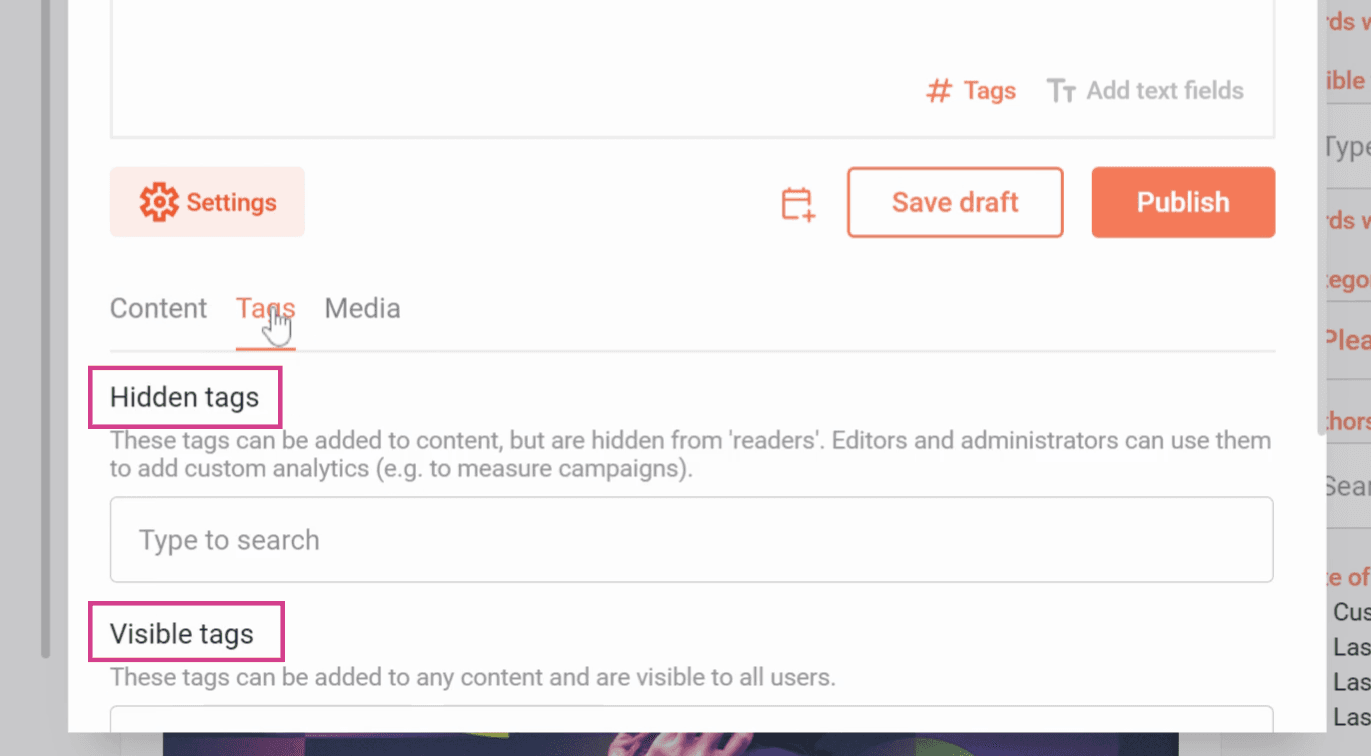
Here you will see two types of tags:
Hidden tags: Only administrators and editors can see and use these.
Visible tags: All users can see and use these.
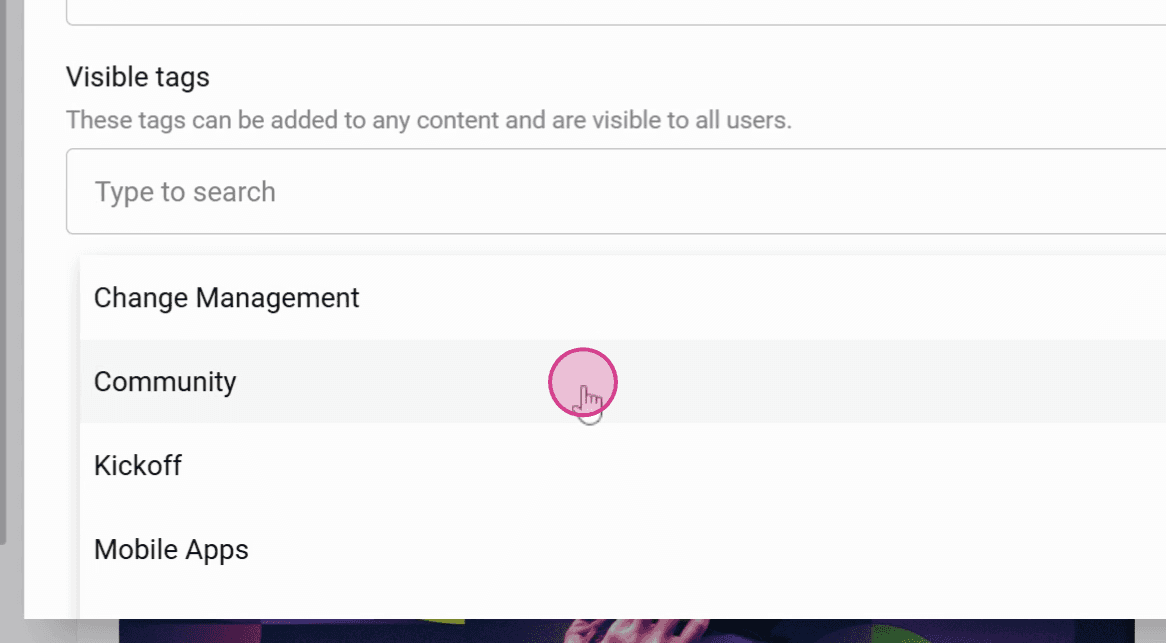
Step 2: Select the tags you want to add to the post from the list.
Important: Tags must first be created in the Org. Dashboard before they can be used.
Step 3: Publish the post.
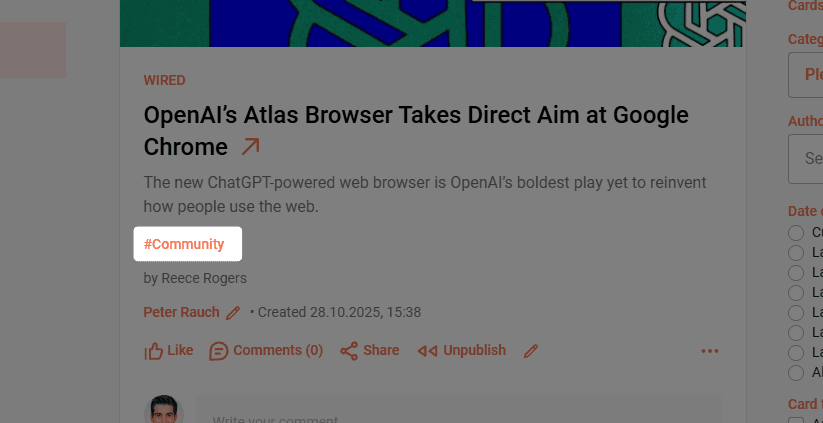
The Visible tags are now visible in the post, and this post can now be found under the tag Community.
Now you know how to tag content.
Related articles